I Deleted My Ten Most-Used Apps for a Month — The Mobile Web Put Up a Real Fight
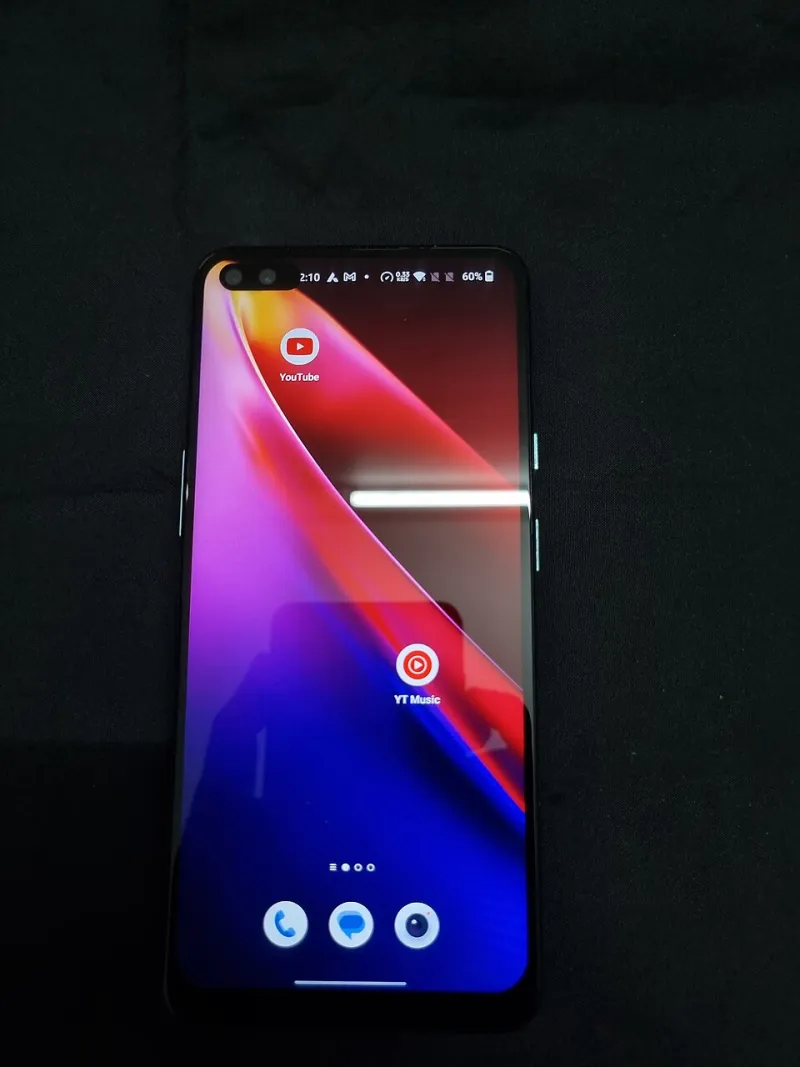
Photo: Gannu03, CC BY-SA 4.0, via Wikimedia Commons
The idea started as a petty experiment. My phone told me I was averaging four hours and eleven minutes of screen time a day, and roughly three and a half of those hours were spread across ten apps I could name without looking. So I made a deal with myself: delete all ten, use only the mobile web versions in Safari, and see which ones actually earned a spot on the home screen.
No reinstalling for thirty days. No workarounds through a second device. Just tabs.
The rules I set
The ten apps were Instagram, Gmail, Uber, DoorDash, Spotify, my bank, Slack, Amazon, Google Maps, and the Starbucks app. Not a scientific sample — just an honest one. The rules were simple: if I needed the service, I typed the URL. If the site pushed me toward the app, I closed the tab. I did allow adding sites to the home screen, because that felt like the fair version of the test.
I kept a note file and logged every failure in real time.
What actually worked
Amazon was fine. Genuinely, completely fine. The mobile site is dense but functional, checkout remembered my card, and delivery tracking lived in an email like it always did anyway.
Instagram was better than I expected and worse than I wanted. The web version is deliberately hobbled — no direct messages on mobile web for the longest time, limited upload flow — but the feed itself loads, and the friction turned out to be a feature. I posted twice in a month instead of twenty times.
Google Maps worked right up until it didn’t. Routing, search, and traffic are all there. What isn’t there is the thing I actually rely on: reliable turn-by-turn with the screen off and the phone in my pocket.
My bank was the biggest surprise. The mobile site handles deposits, transfers, and bill pay without drama, and it doesn’t nag me to enable biometric login every eleven seconds.
What broke immediately
Notifications. This is the whole ballgame, and it is not close.
Desktop-class web push exists, and on iOS it works if you add the site to your home screen — but the experience is brittle in ways the native apps solved years ago. Delivery is inconsistent, permissions get quietly revoked after a browser update, and the whole thing stops working if you clear website data.
Slack was the casualty. A work messaging tool without dependable push is a work messaging tool you check manually, and manually checking Slack is a special kind of psychological tax. I lasted six days before I started keeping a browser tab permanently open on my laptop instead.
Uber technically functioned. But requesting a ride through a mobile browser while standing outside a restaurant at 11 p.m. is a different experience than tapping one button, and the web flow kept logging me out.
Payments are the wall
Here is the part that surprised me most. In 2026, I expected the payment gap to be closed. It isn’t.
A few things worked: saved cards via browser autofill, and Apple Pay inside Safari for merchants that support it. What didn’t work was everything else. The Starbucks app’s entire value proposition is stored value and mobile order — the web version can’t touch it. DoorDash’s site pushes you to the app at checkout, and some restaurant promos are app-exclusive by design. My bank’s web portal refused to let me add a new payee without confirming through the app I had just deleted.
Some of that is technical. A lot of it is a moat. The app is where the discounts live, where the loyalty program lives, and where the frictionless one-tap purchase lives. The web is allowed to exist as long as it stays slightly worse.
Offline access, where the web still loses badly
I took a weekend trip to a state park with patchy signal. Spotify’s web player doesn’t download for offline listening, full stop. Maps without cached tiles is a prayer. My boarding pass was fine — that’s a PDF — but the airline app would have had it available with zero taps and zero signal.
Native apps win the moment the network goes away, and that is not a small edge case. It is the entire premise of a phone.
The uninstall tax nobody mentions
What I did not expect was how much of the month I spent doing administrative work. Logging in repeatedly. Re-authorizing. Hunting for a setting that only exists in the app. Fighting a cookie banner on every third visit.
The apps had been absorbing a huge amount of quiet maintenance on my behalf — session management, background sync, credential handling — and doing it invisibly. Remove them and that work lands on you, in thirty-second increments, fifteen times a day.
That is the honest case for apps, and it has nothing to do with features. It is convenience as infrastructure.
What earned a spot back
On day 31 I reinstalled four: Maps, Slack, Uber, and Spotify. Each one for a specific, non-negotiable reason — navigation with the screen off, push that actually arrives, a ride in under ten seconds, and music that plays without signal.
Six did not come back. The bank, Amazon, DoorDash, Instagram, Gmail, and Starbucks are staying as browser bookmarks or home-screen shortcuts, and I have not missed them in the two weeks since.
What the month actually revealed
The app-versus-web question isn’t really about which is better. It’s about which one is doing something the browser can’t. When the answer is notifications, offline access, or payments, the app wins and deserves to. When the answer is a loyalty program and a push notification begging you to come back, that’s not a feature — that’s a leash.
The ten-app test is worth running once, even if you only delete three. You will learn exactly which of your apps are tools and which are just habit with an icon.